Tools
Get Eastape Downloader
Eastape Downloader is a helper tool for files their owners have shared publicly on Google Drive. Only download content you have permission to use, and respect the rights of creators. Eastape Downloader is independent software and is not affiliated with or endorsed by Google. Google Drive is a trademark of Google LLC.
↓ Download for Windows
Free · Windows 10 and 11 (64-bit) · about 5.7 MB
Someone shares a Google Drive folder with you: a course, raw footage, a project's assets, a pack of LUTs. Downloading it should be simple, but with big folders it rarely is. You wait for Drive to zip everything, end up with several zip files, unpack them one by one, and hope nothing was missed. If your connection drops halfway, you start again. And while it downloads, everyone else on your Wi-Fi feels it.
Eastape Downloader fixes that. Paste the folder's link and the app lists every file inside, then rebuilds the same folders on your PC and downloads the files a few at a time, at a speed you choose. Pause whenever you like, close the app, and it carries on later from where it stopped.
What it does
Whole folders, same structure. Every subfolder is recreated on your PC exactly as it is on Drive, including empty folders. No zip files, no unpacking.
Pick what you need. See every file before you start, with sizes, and untick anything you don't want.
Your speed, your rules. Set a limit from 128 KB/s up to 100 MB/s, or leave it unlimited, and change it while downloading. The rest of your internet keeps working.
Several files at once. Download 1 to 8 files in parallel.
Pause, resume, stop. Unfinished files continue from where they stopped, even after closing the app or restarting your PC.
Smart re-runs. Run the same link again later and only new or missing files are downloaded.
Built to finish. Failed files are retried automatically, and one click retries anything that's left.
Google Docs, Sheets and Slides are saved as Word, Excel and PowerPoint files, or as PDF.
Several links at once. Paste folder links, file links and Google Docs links together.
Always up to date. New versions install from inside the app in one click.
Dark or light. A clean black-and-silver design, in dark, light or your Windows setting.
How to install and use Eastape Downloader
Step 1.
Download and Install
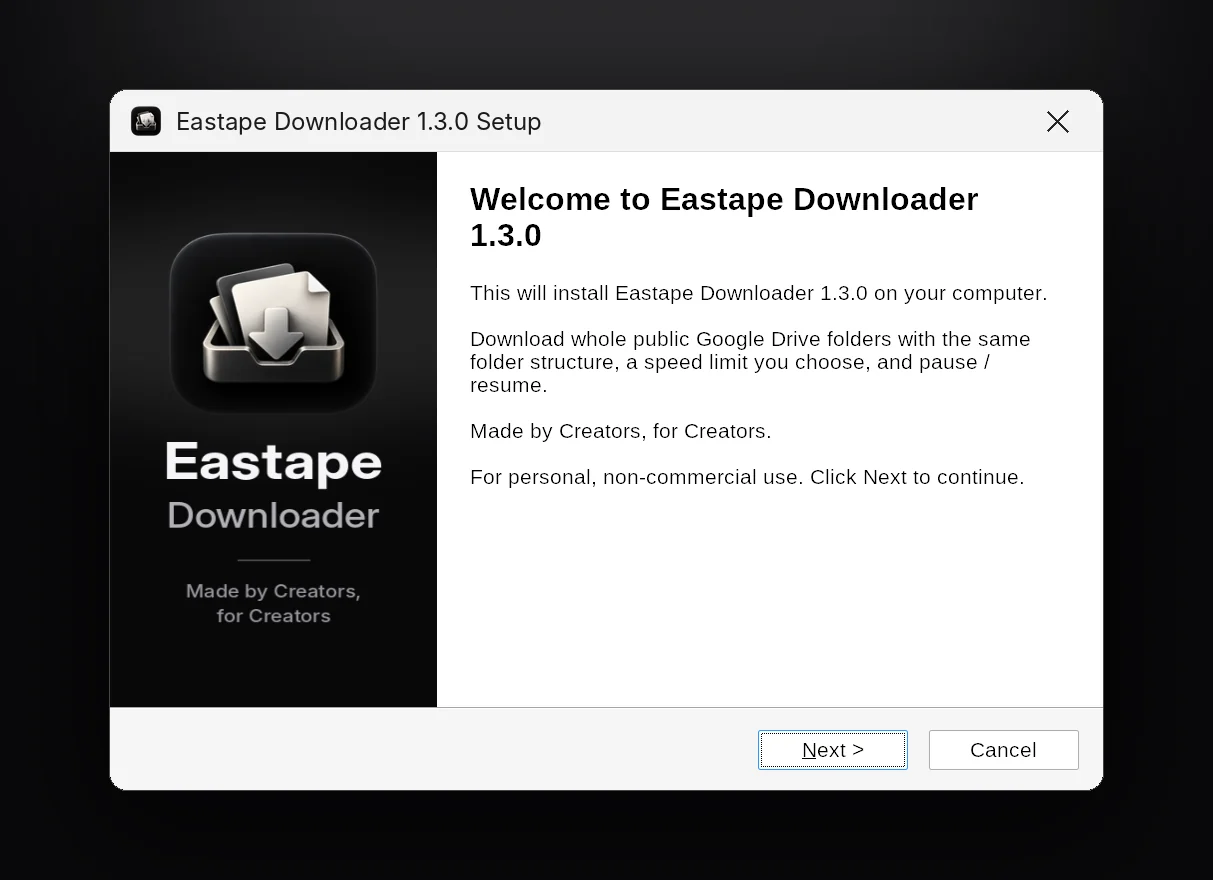
Click Download Eastape Downloader and save EastapeDownloader-Setup-1.3.0.exe. Then open it from your Downloads folder.
Step 2.
First launch: set up in under a minute
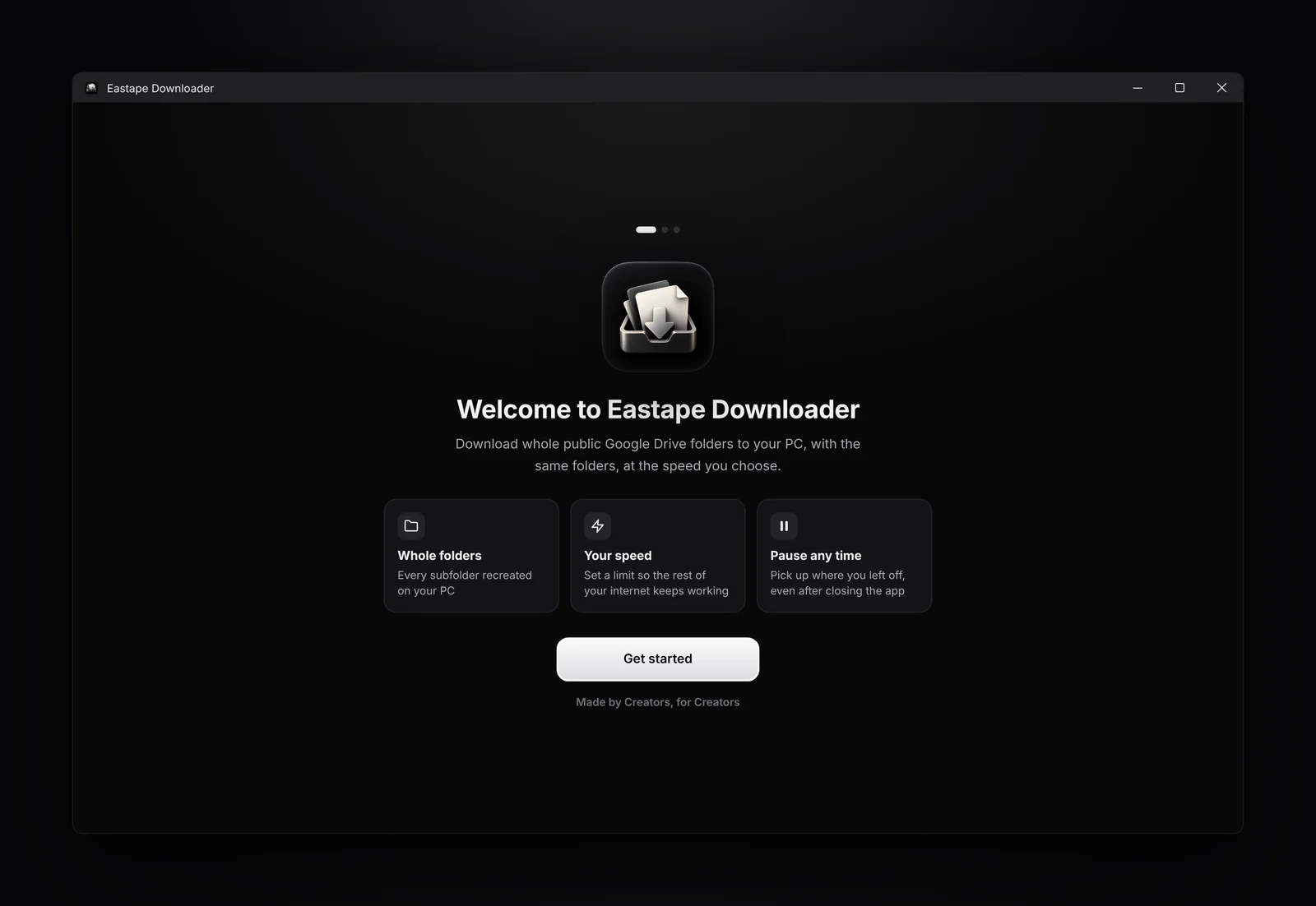
1. Welcome The first time you open the app, a short welcome shows what it does. Click Get started. 2. Set up your account Enter your name and email address, and accept the Terms and Conditions, Privacy Policy and Disclaimer. This is required to use the app, and it's how we reply if you ever contact support. Click Continue.
Step 3.
How to download a Google Drive folder
Step 1. Copy and paste the link. It must be shared as "Anyone with the link". Paste it into the box at the top of Eastape Downloader. Step 2. Click Scan, The app reads the folder and every folder inside it. Step 3. Choose what to download You'll see every file and folder with its size. Everything is selected; untick anything you don't need. The total updates as you go. Step 4. Click Start download. You'll see overall progress, time left, and each file's status.

Step 4.
Speed Limiter
Use the speed limit slider to cap the speed (click the number to type an exact value), and + / − to change how many files download at once. Both apply immediately.

↓ Download for Windows
Free · Windows 10 and 11 (64-bit) · about 5.7 MB